The official beta version will be available on 9 January 2027. Try the developer version now

Skip to main content

CourseForge

Interactive e‑learning for every screen

CourseForge is a desktop editor for course authors. Design slides, add triggers and quizzes, and publish to the web or any LMS. Responsive slides reflow on tablets and phones instead of shrinking.

Final release available on January 9, 2027.

Free for Windows 10 and 11 (64-bit).

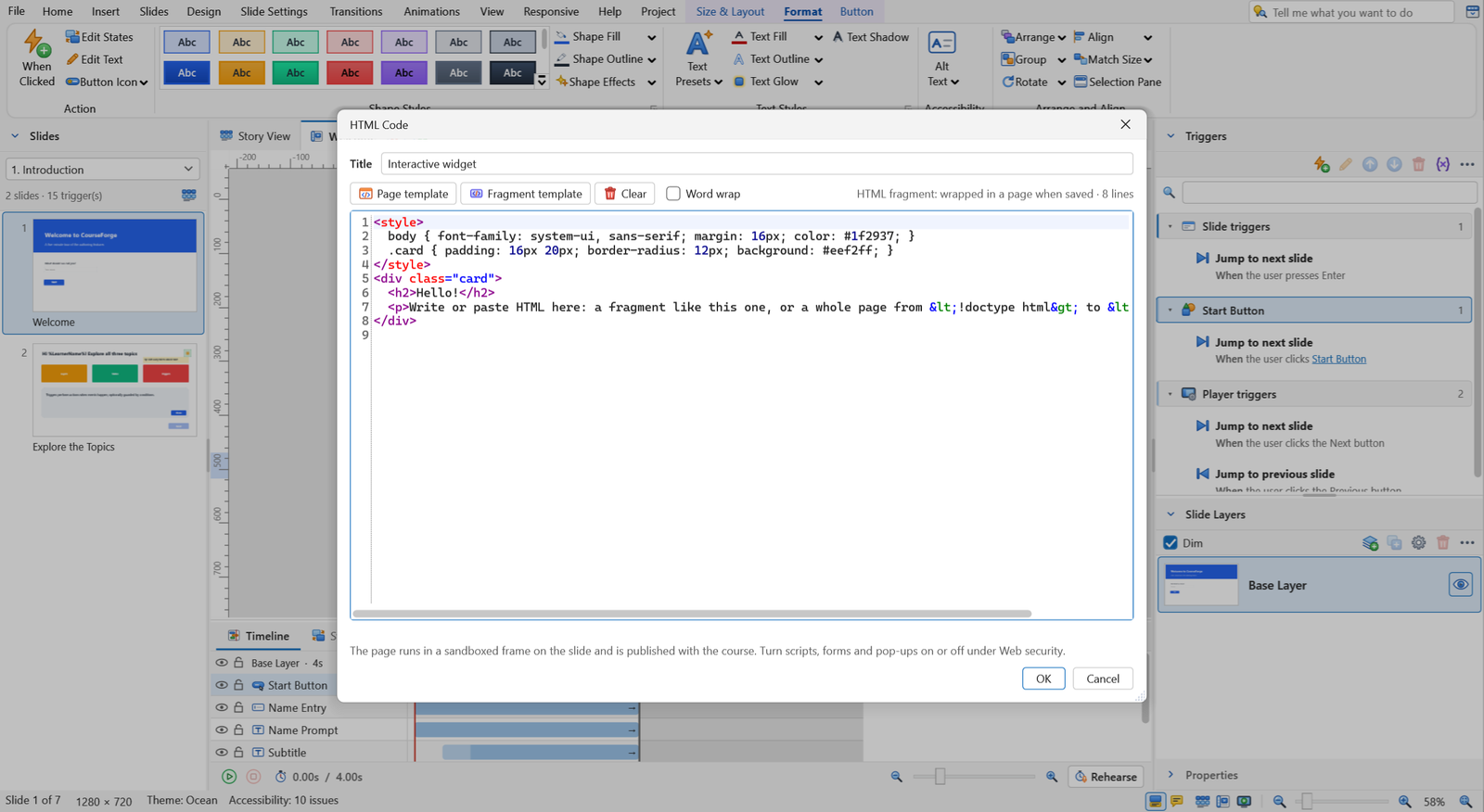
The CourseForge editor with the ribbon, Slides panel, canvas, Timeline and Triggers panel.
Ribbon
Slides
Canvas
Triggers
Timeline
  1. RibbonHome, Insert, Design, Animations, Responsive and contextual tabs.
  2. SlidesScenes and slides, with Story View for the whole course.
  3. CanvasThe slide you are editing, with snapping and smart guides.
  4. TriggersWhat happens when the learner clicks, with a plain-English summary.
  5. TimelineWhen each object appears, with animations and cue points.

Video gallery

Short tours of every feature, recorded in the real editor and player. Choose an area, then press play.

Editor and design

The editor

A tour of the CourseForge workspace 1:34

What you can build with it

Real screenshots from the editor and the published player. Pick an area, or use the arrow keys and swipe.

A familiar editor, built for daily work

A ribbon with contextual tabs, a canvas with smart guides, and panels you can dock, float or hide. Undo and redo for every change, autosave, crash recovery and version history on every save.

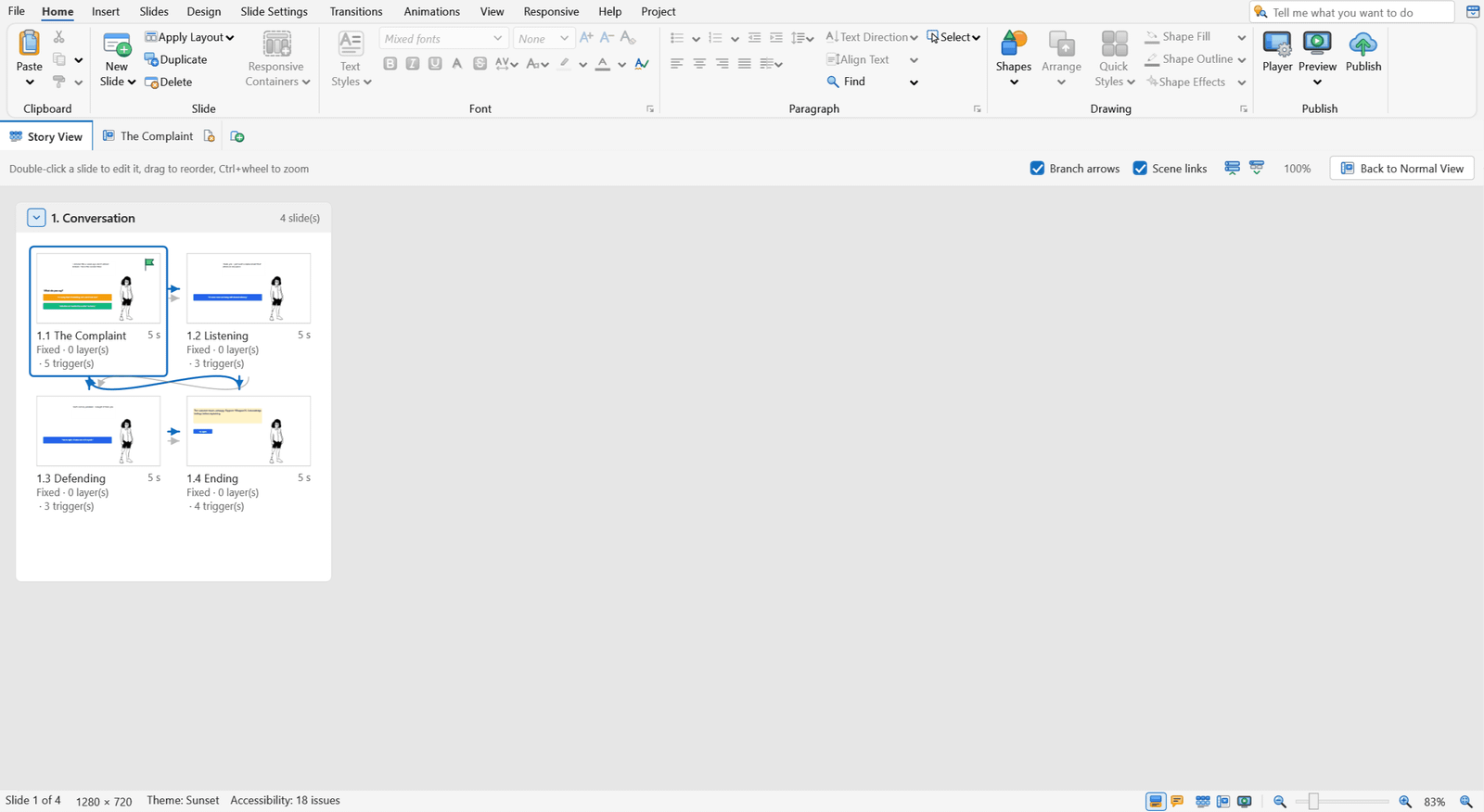
Story View. Every scene and slide, with branch arrows between them.

Story View with scenes shown as blocks of slide thumbnails.

Properties. Size, style and behaviour of the selection in one panel.

The Properties panel for a selected object.

Ribbon. Contextual tabs appear when you select an object.

The Insert tab of the ribbon with media, content, text and interactive object groups.

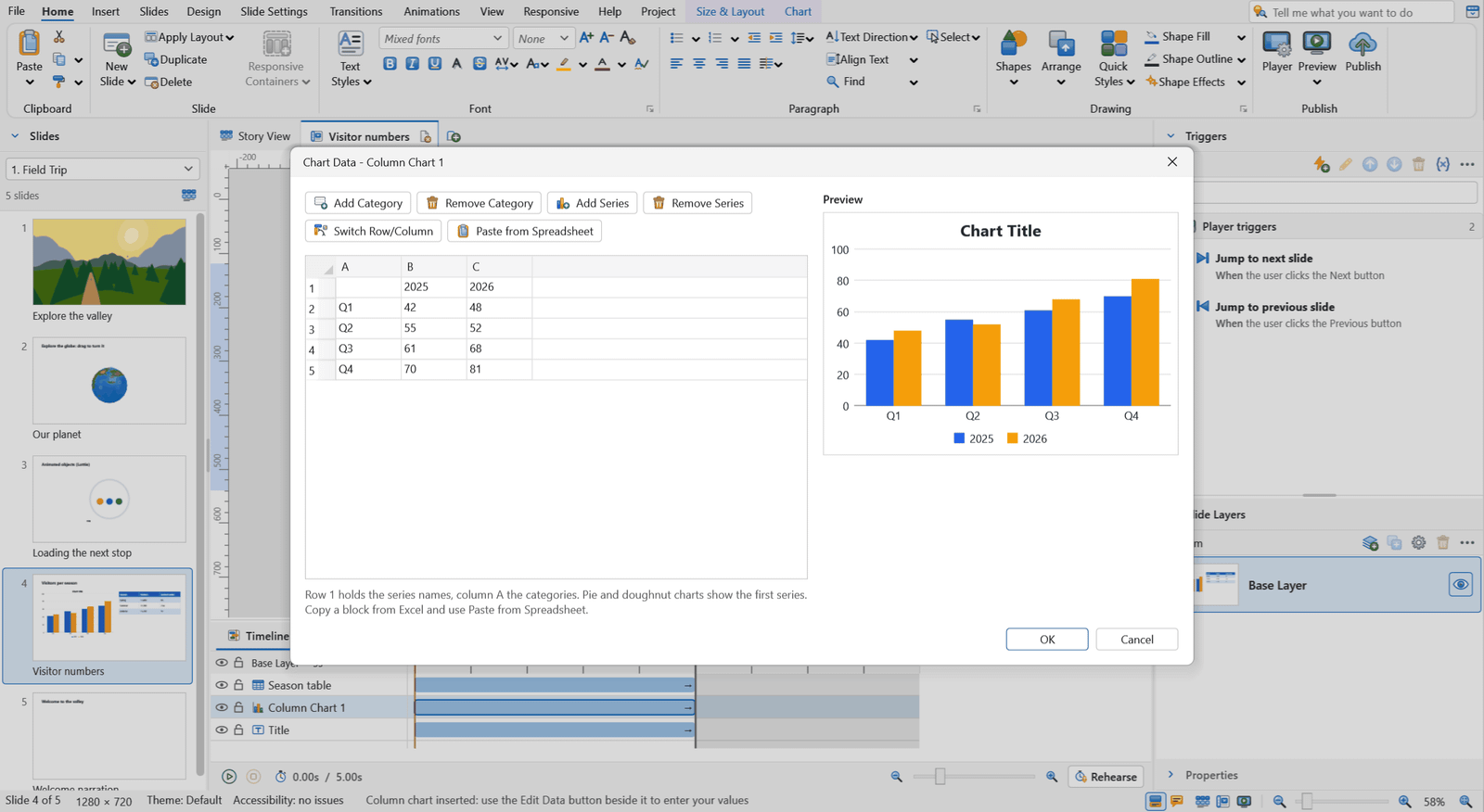
Timeline. Entrance and exit animations, timing and cue points.

The Timeline panel with object bars and a playhead.

One course for desktop, tablet and phone

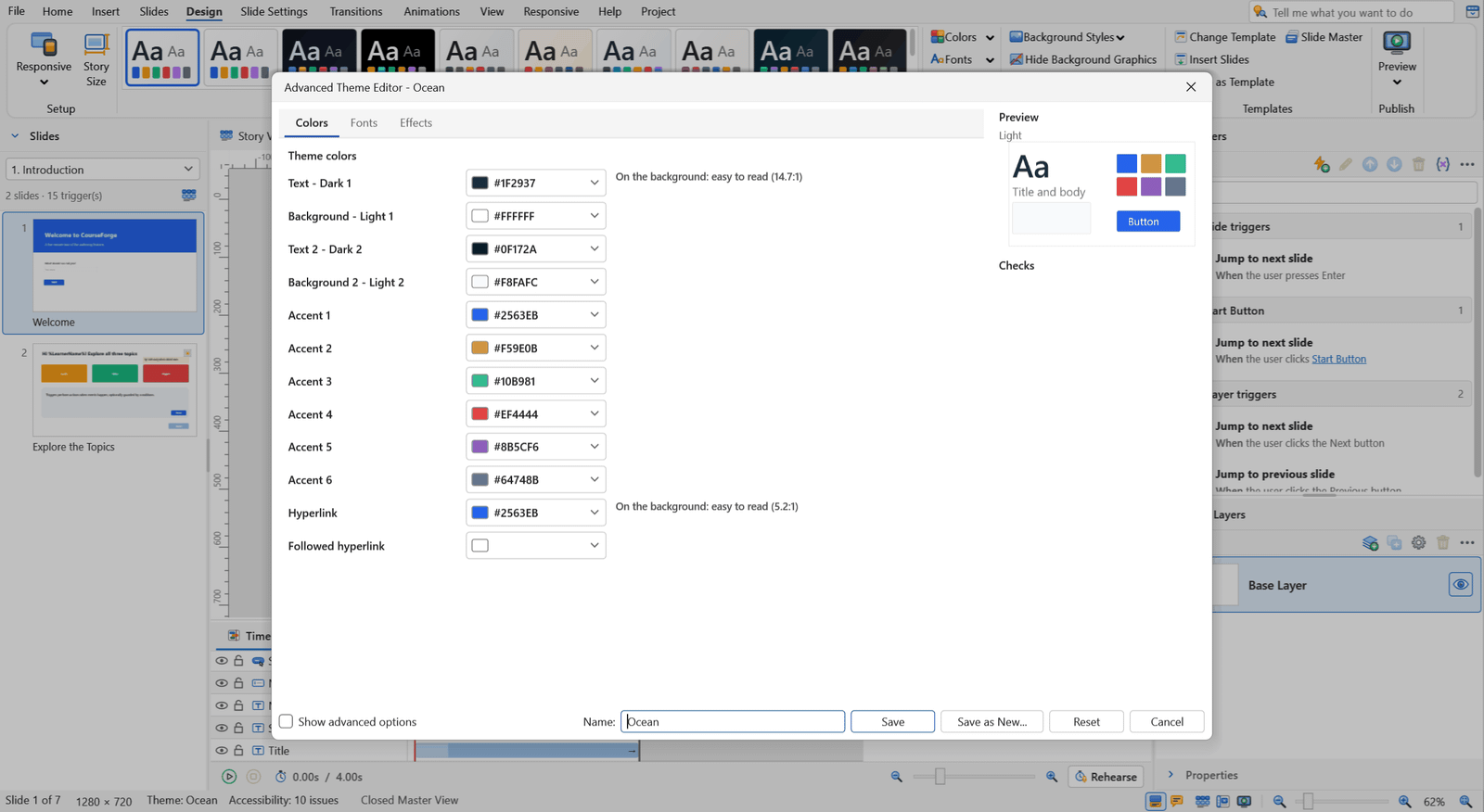
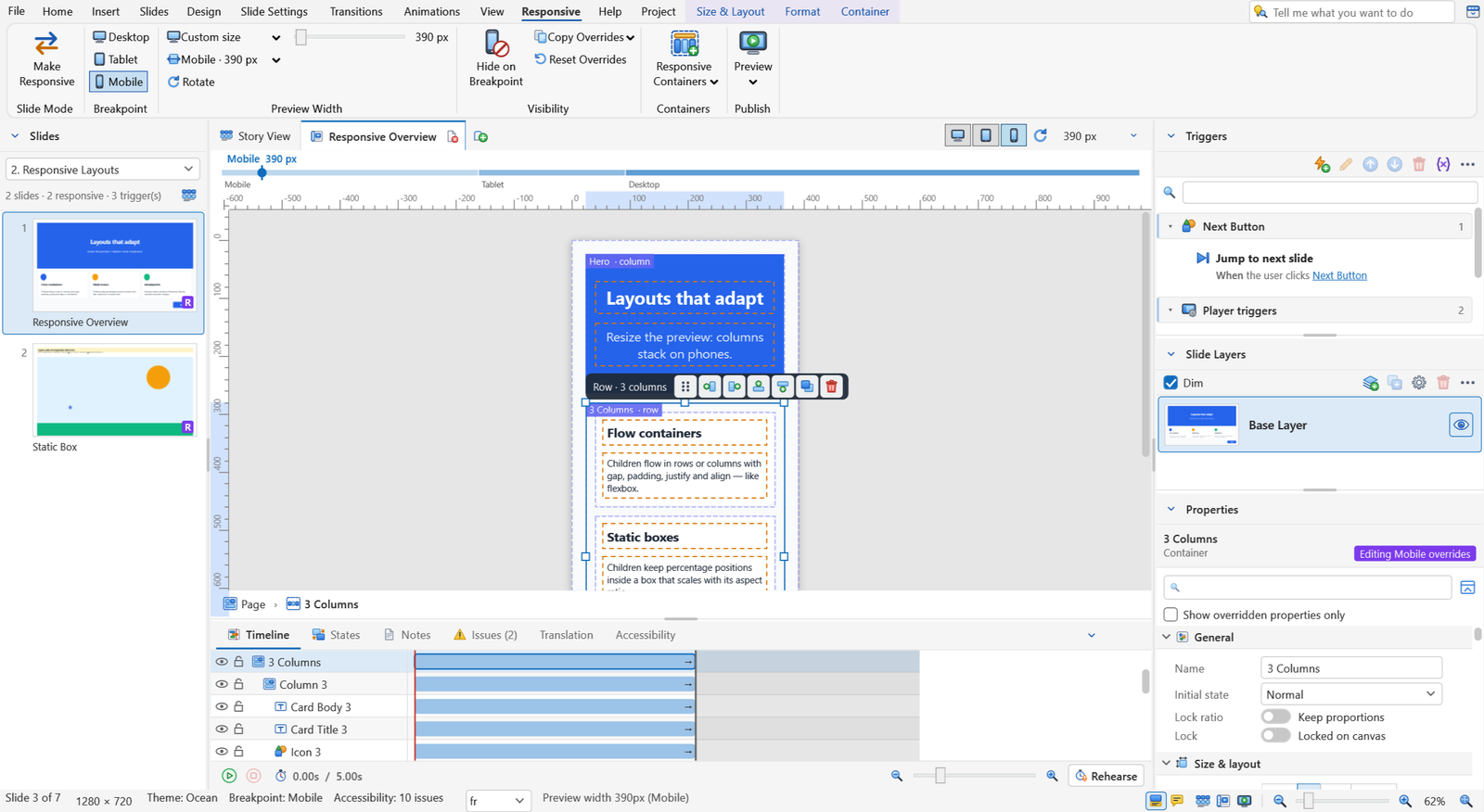
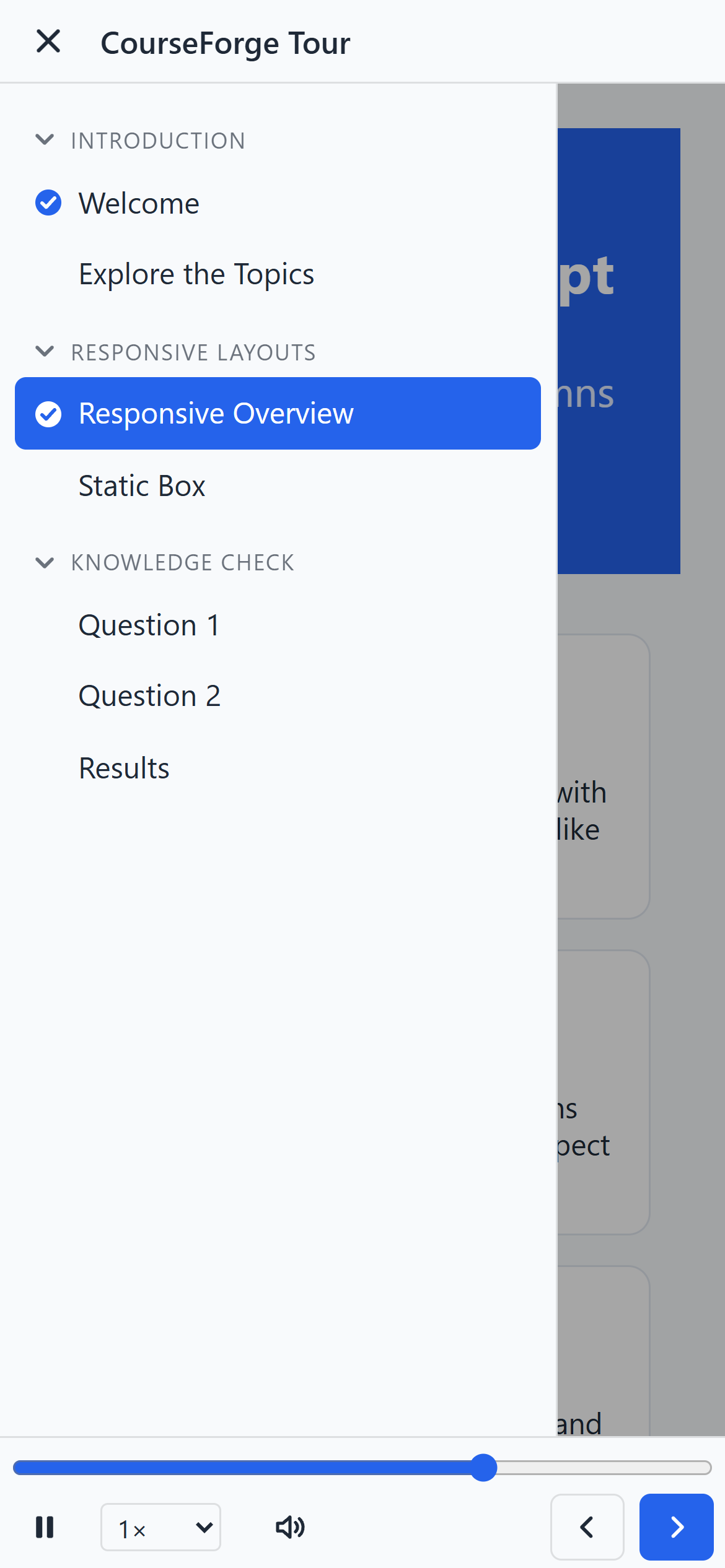
Fixed slides only shrink on small screens. Responsive slides reflow, so text stays readable and buttons stay easy to tap.

One responsive slide at desktop, tablet and phone widths.
The same slide at 1280, 820 and 390 px.

Containers

Flow and static boxes that arrange their children.

Breakpoints

Separate settings for Desktop, Tablet and Mobile.

Rows and columns

Columns stack on small screens.

Device preview

Check each size in both orientations.

Fixed slides

Still there when you need pixel control.

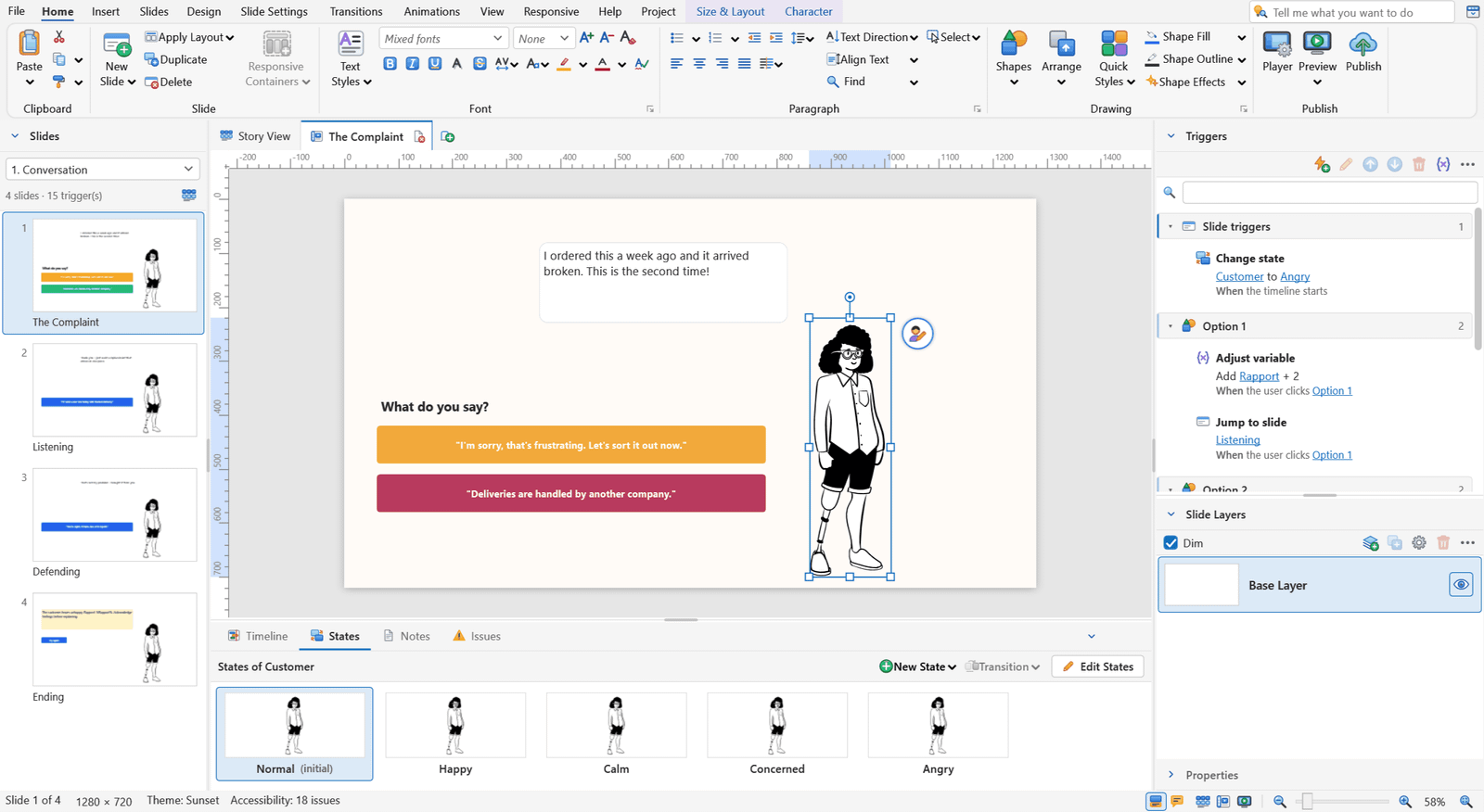
The Edit Trigger wizard with a variable condition.

Branching and click-and-reveal without code

Triggers

Pick an event, an action and a condition. A plain-English summary says what it does.

Variables

Text, number and true/false. Keep scores, track choices, remember progress.

States

Normal, hover, disabled and your own states for any object.

Layers

Pop-ups and extra content on top of a slide.

20 question types, scored your way

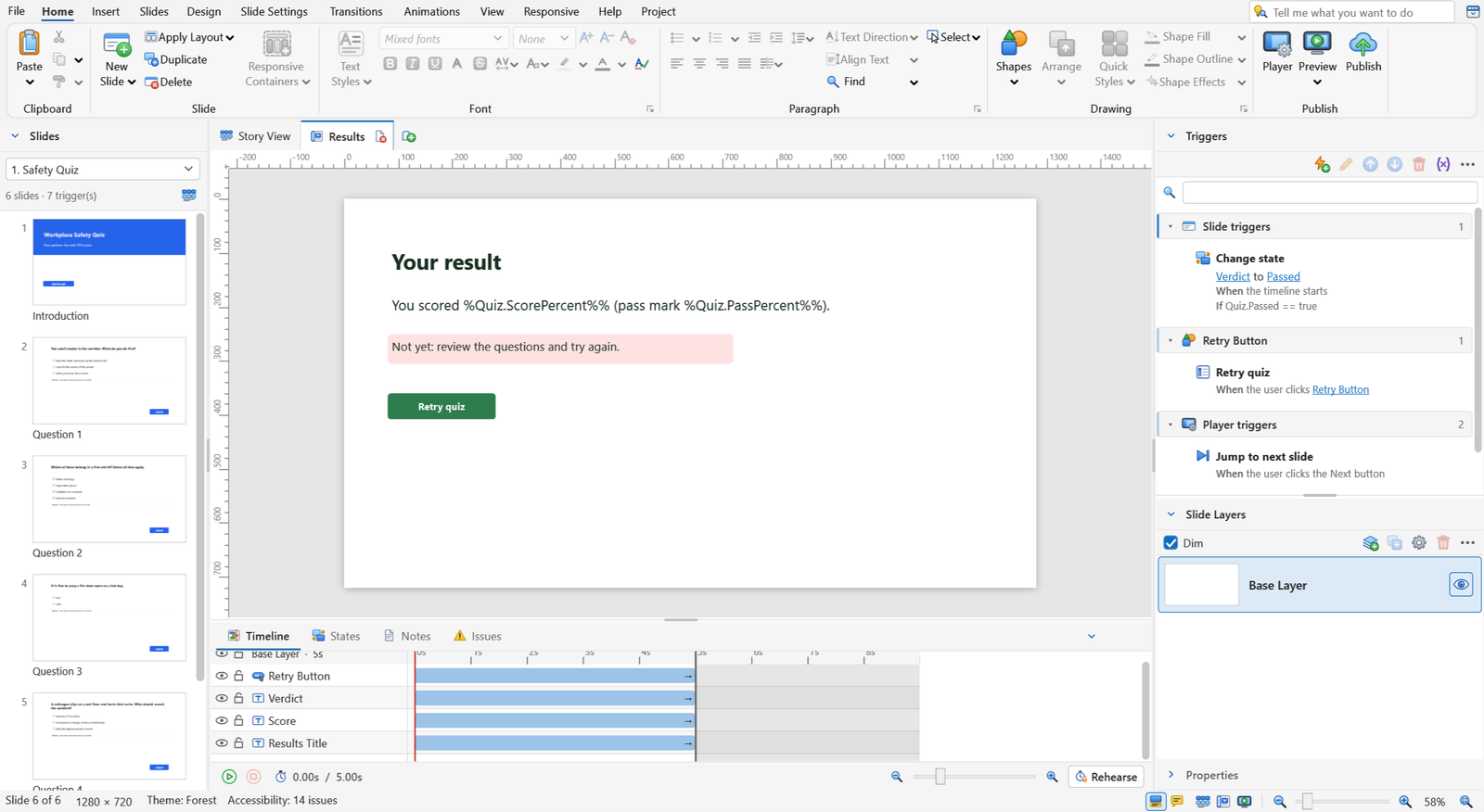
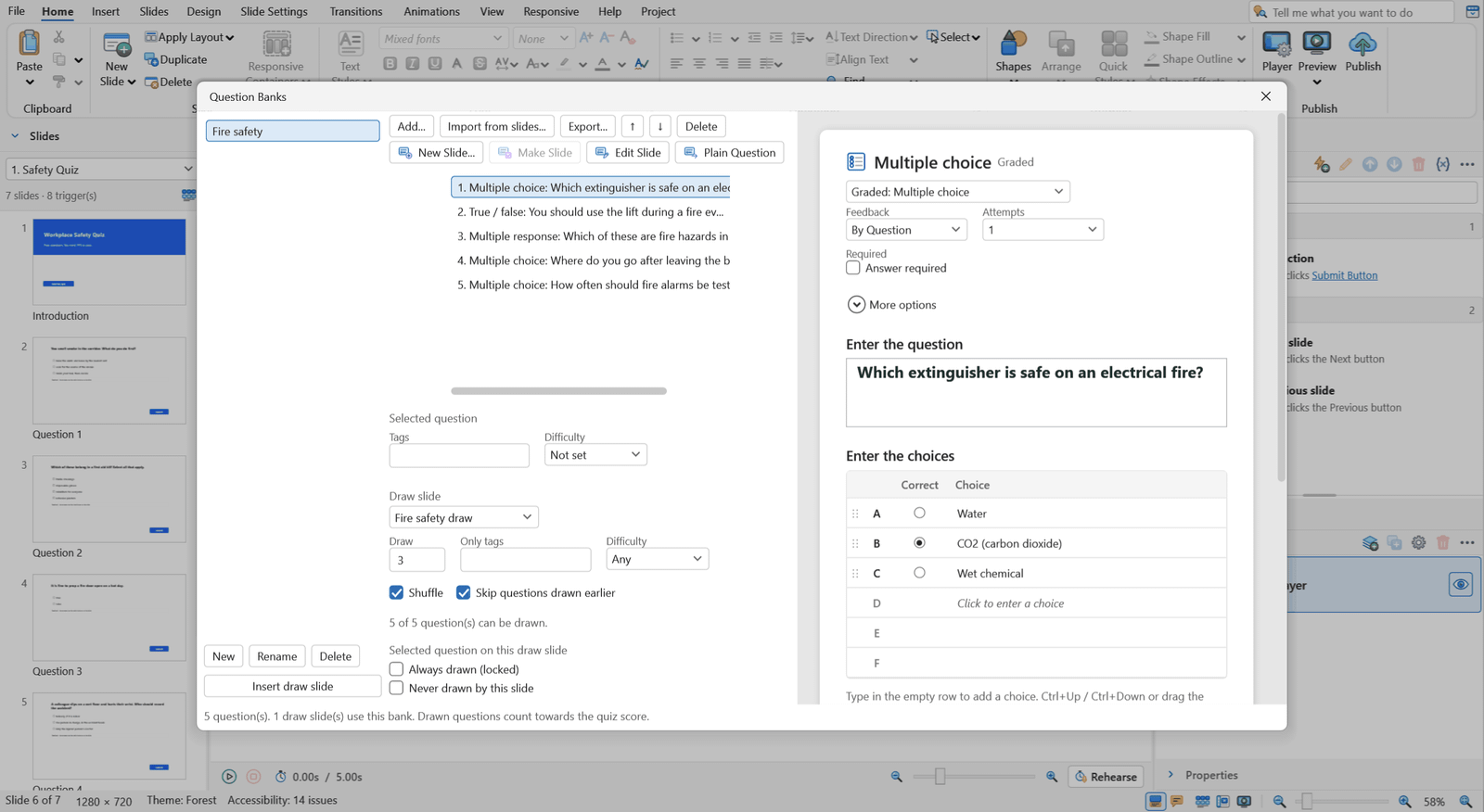
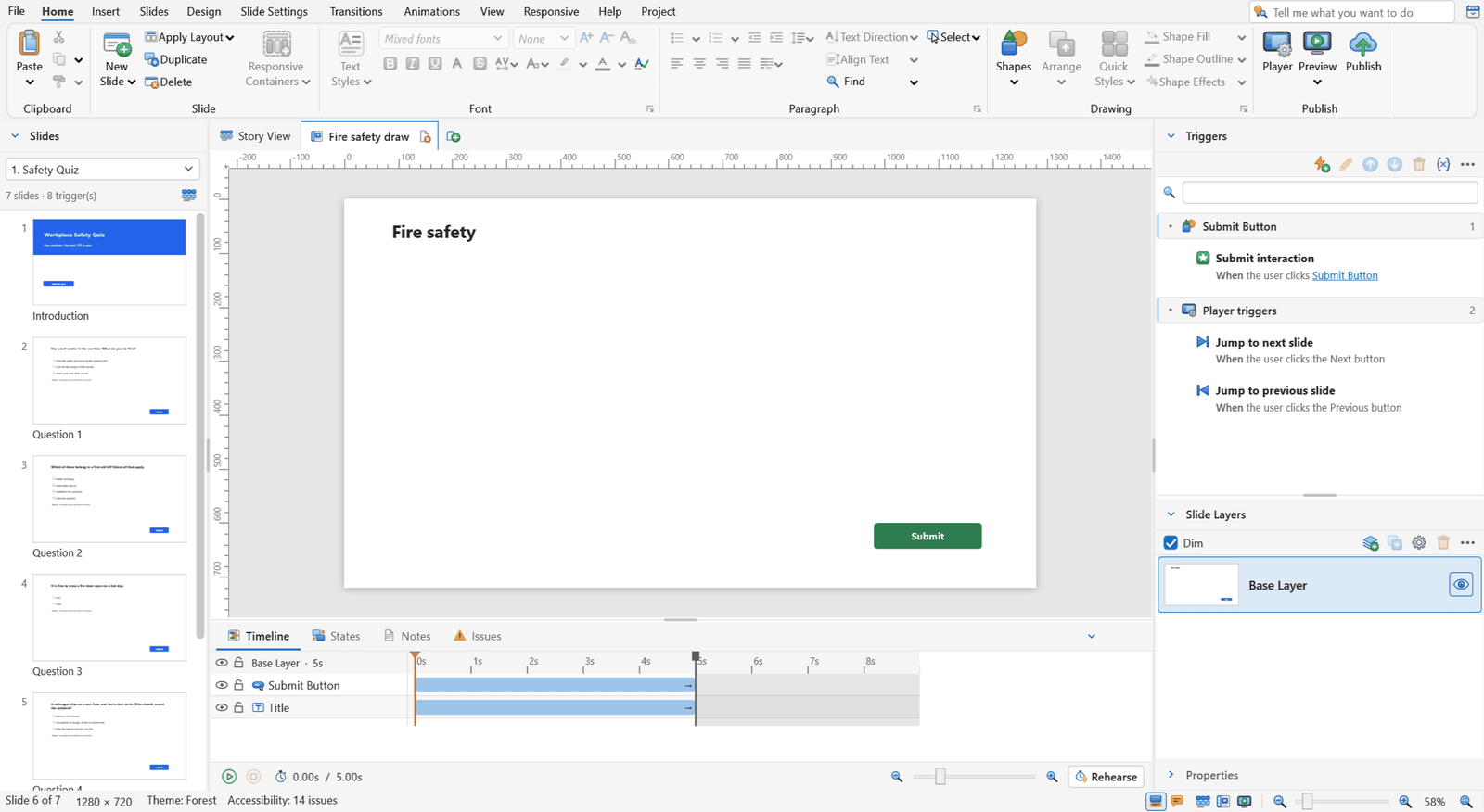
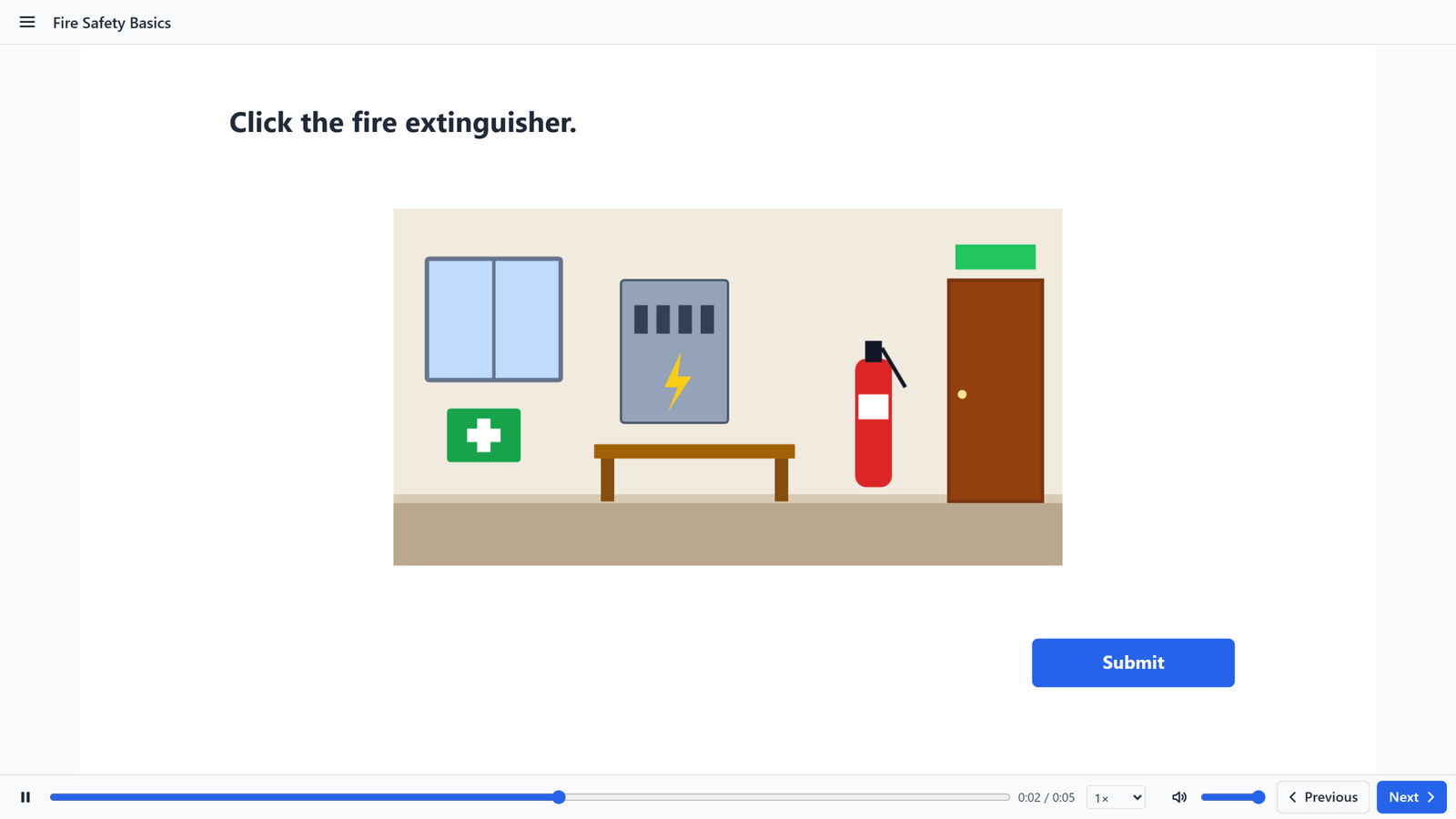
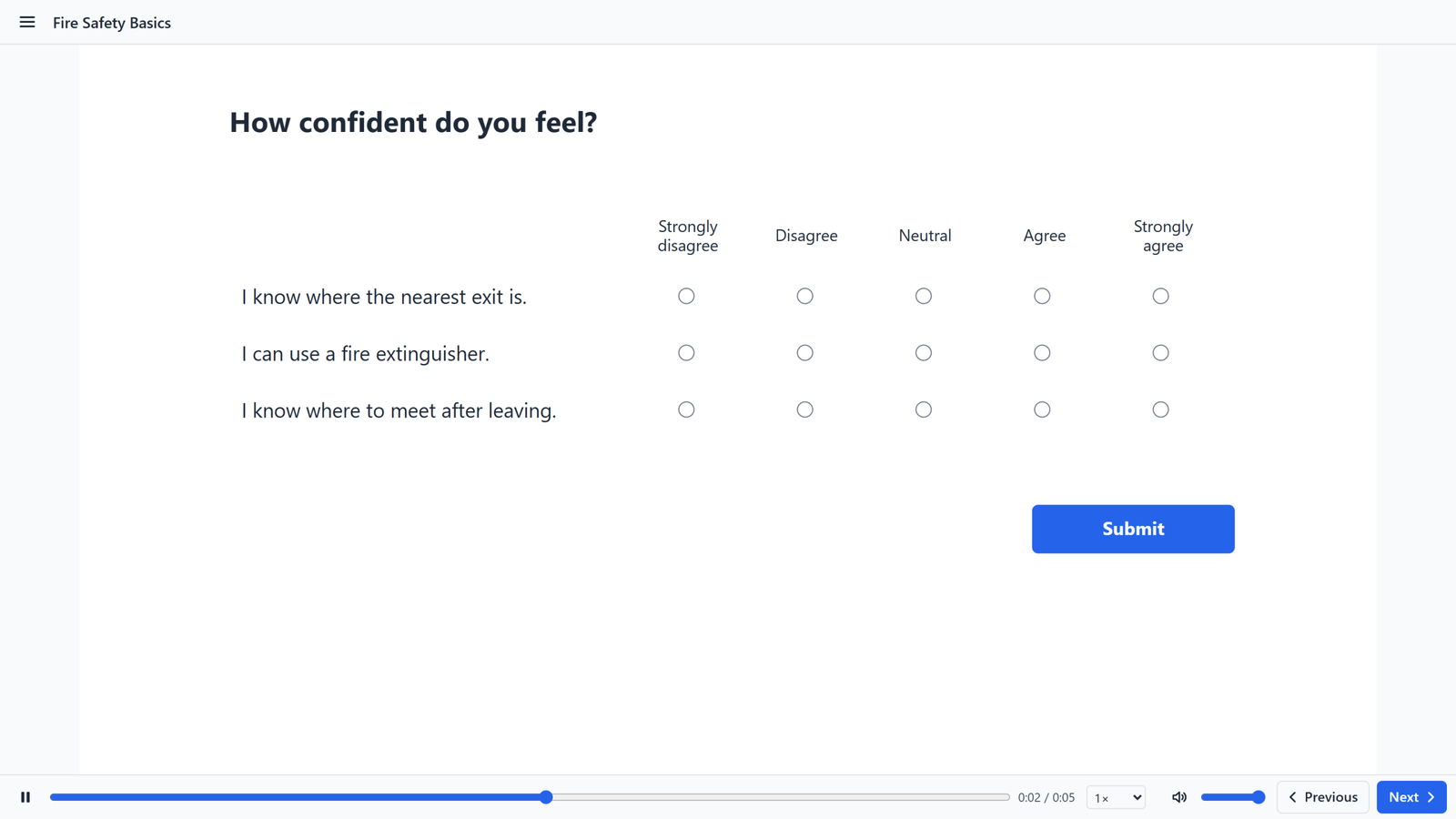
Multiple choice, true/false, fill-in, matching, sequence, hotspot, word bank, Likert and more, with feedback, points and branching for each answer.

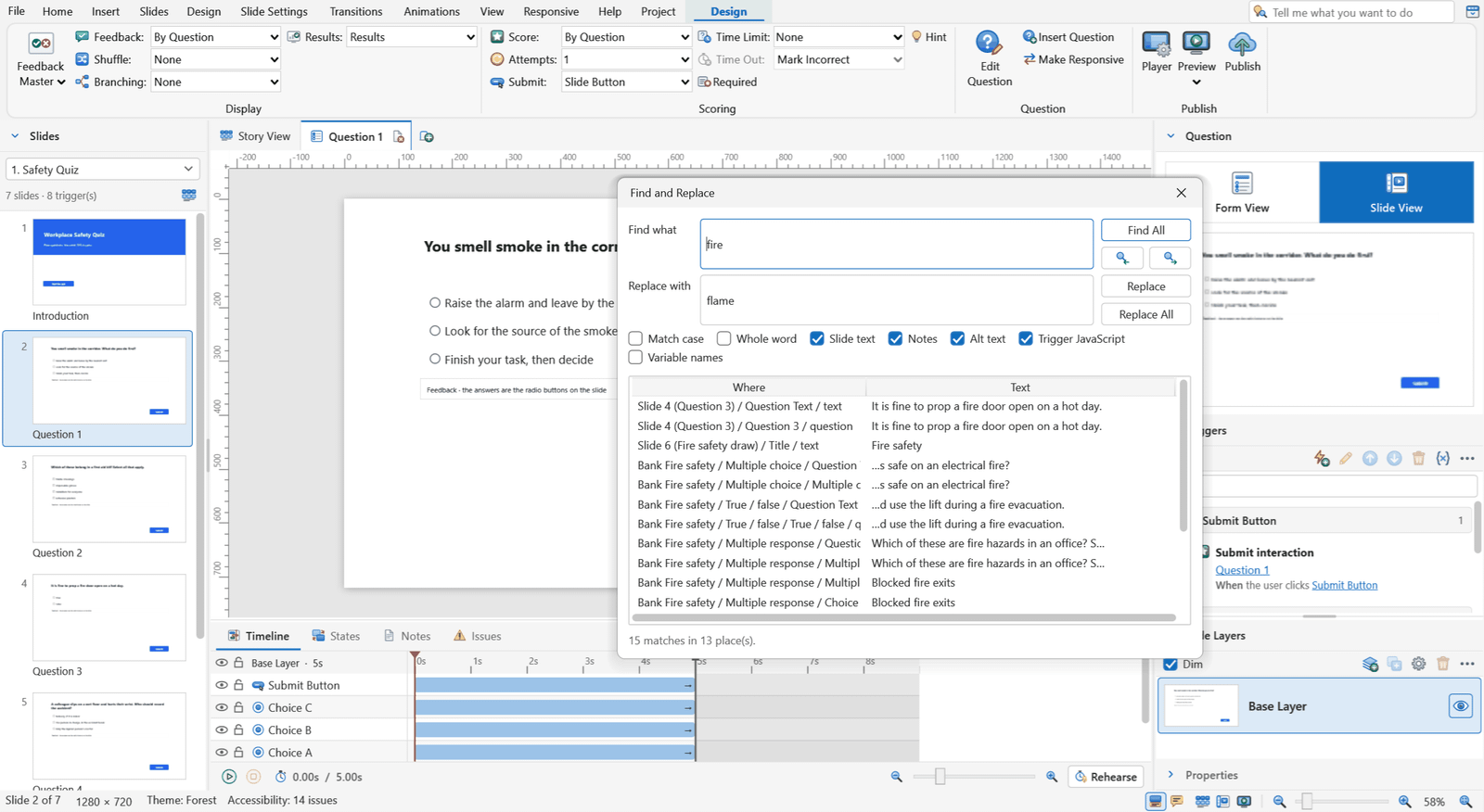
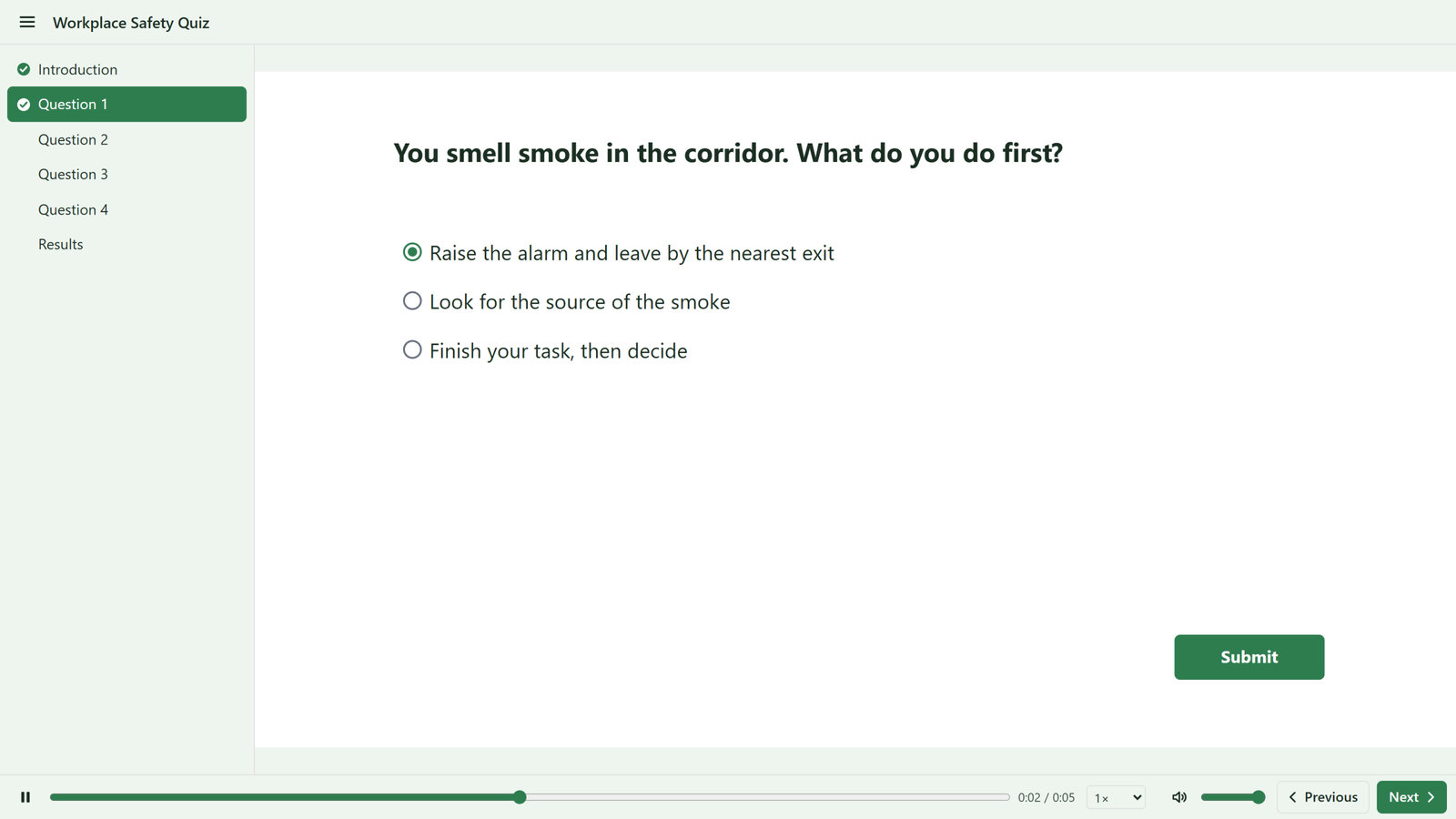
Question text, a choice grid with the correct answer marked, feedback and points, with the Question ribbon and a Slide View thumbnail (Workplace Safety Quiz).
Quiz authoring in Form View.

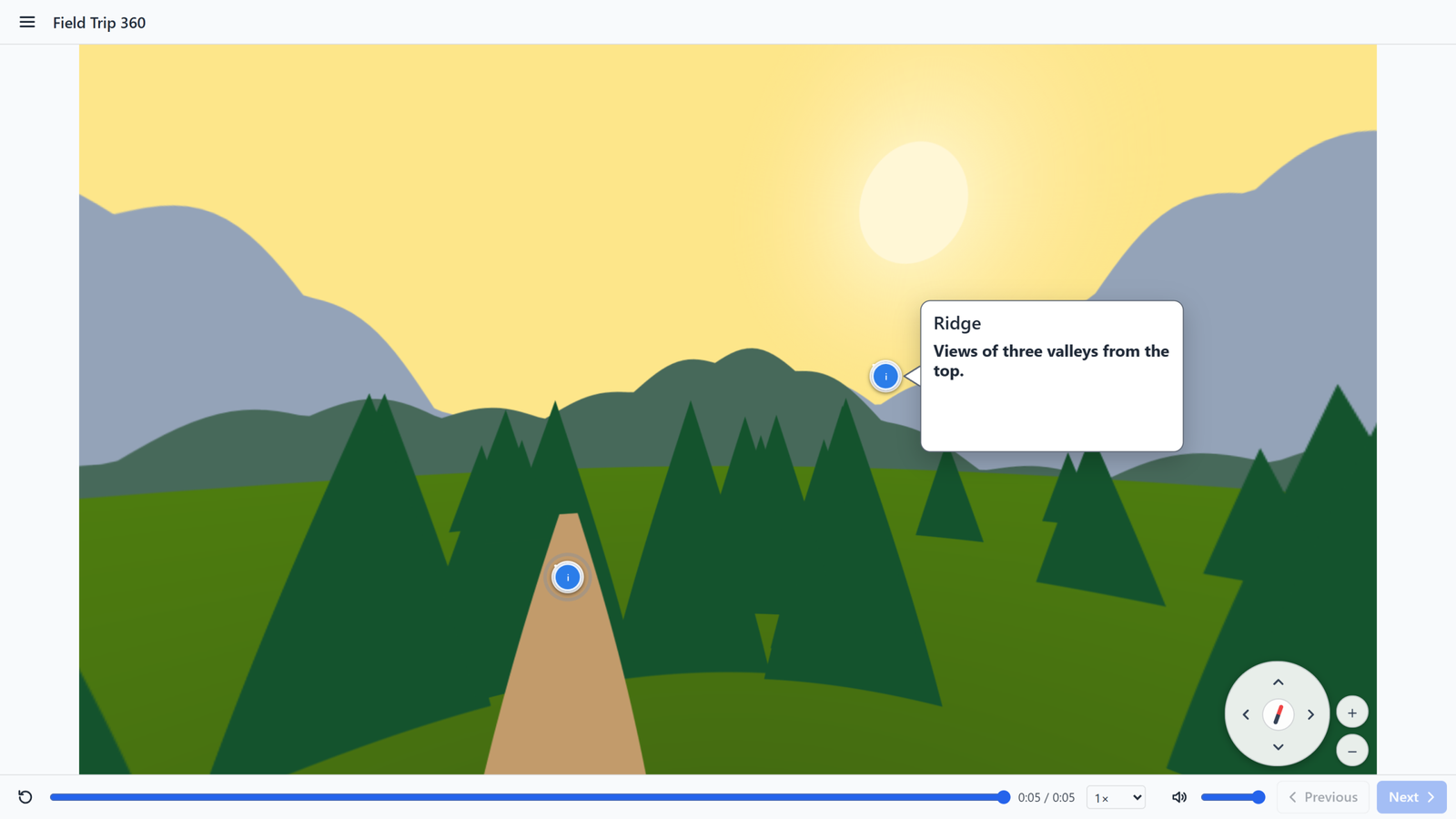
360°, 3D, video and audio

Let learners look around a scene, turn a model or follow a narrated video. Some media tools need FFmpeg, which you add yourself. Everything else works without it.

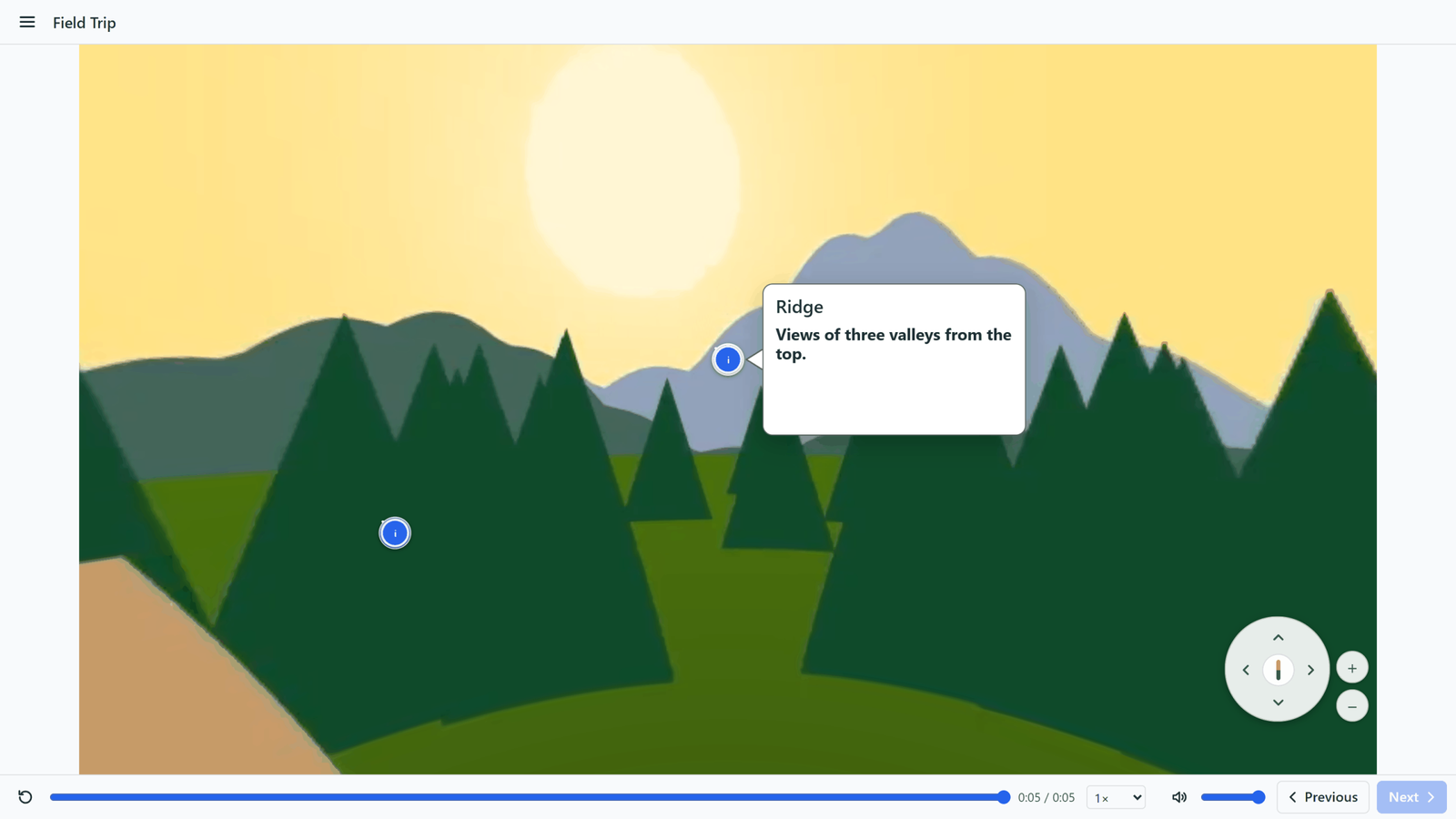
A 360 video in the published player with an open hotspot.
A 360° video with an open hotspot in the published player.

360° images and video

Learners look around and open hotspots.

3D models

Pin hotspots to a model that learners turn and zoom.

Video and audio

Trim, fade, poster frames, cue points, narration and text to speech.

Captions and transcripts

Timed captions in several languages, WebVTT and SubRip.

Courses everyone can use

Check accessibility while you build. Translate without duplicating slides.

Accessibility

The Accessibility checker listing issues with Fix buttons.
The accessibility checker with Fix buttons.

Translation

The Translation panel with French translations.
The Translation panel with French added.

Publish once, run anywhere

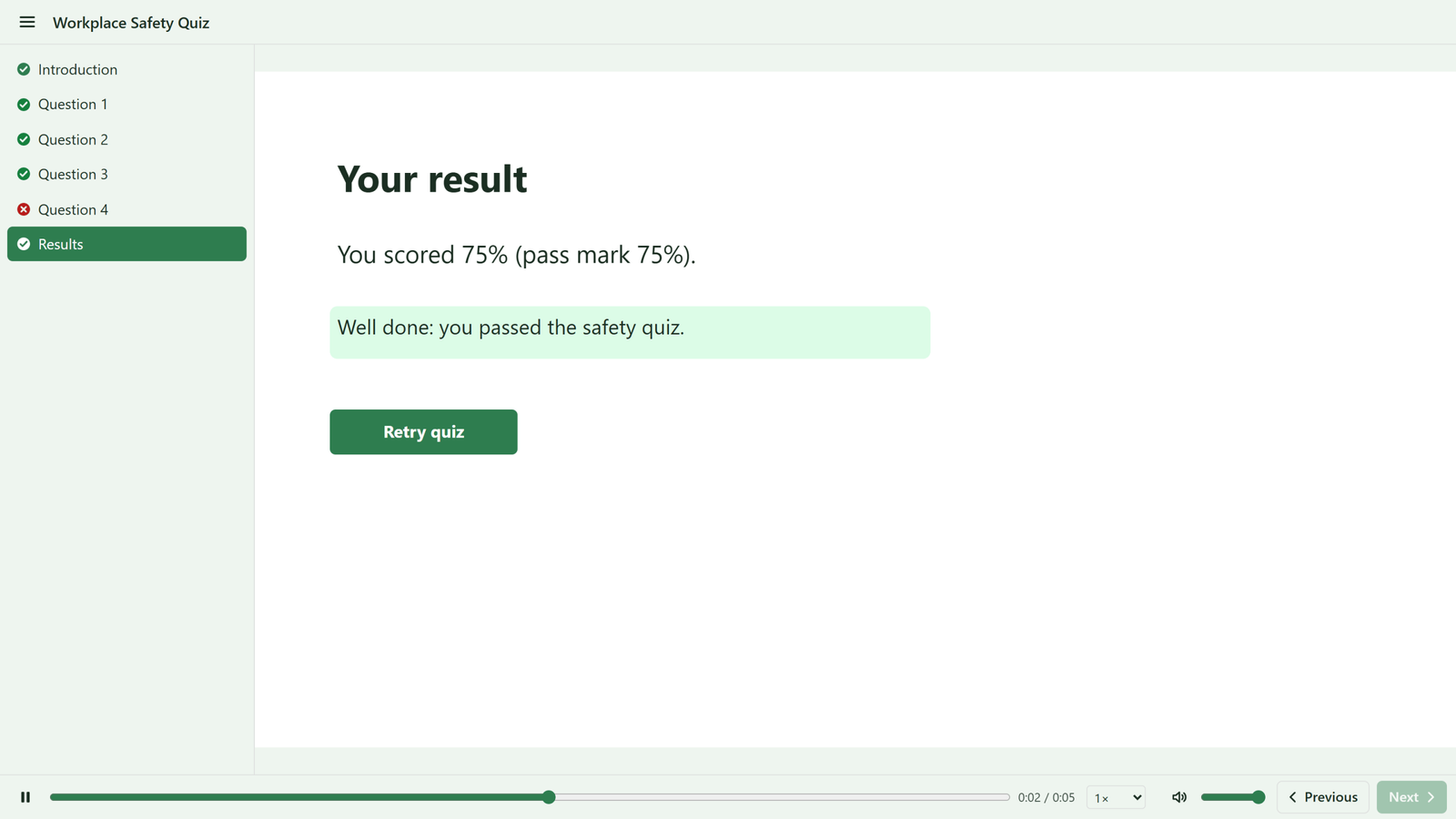
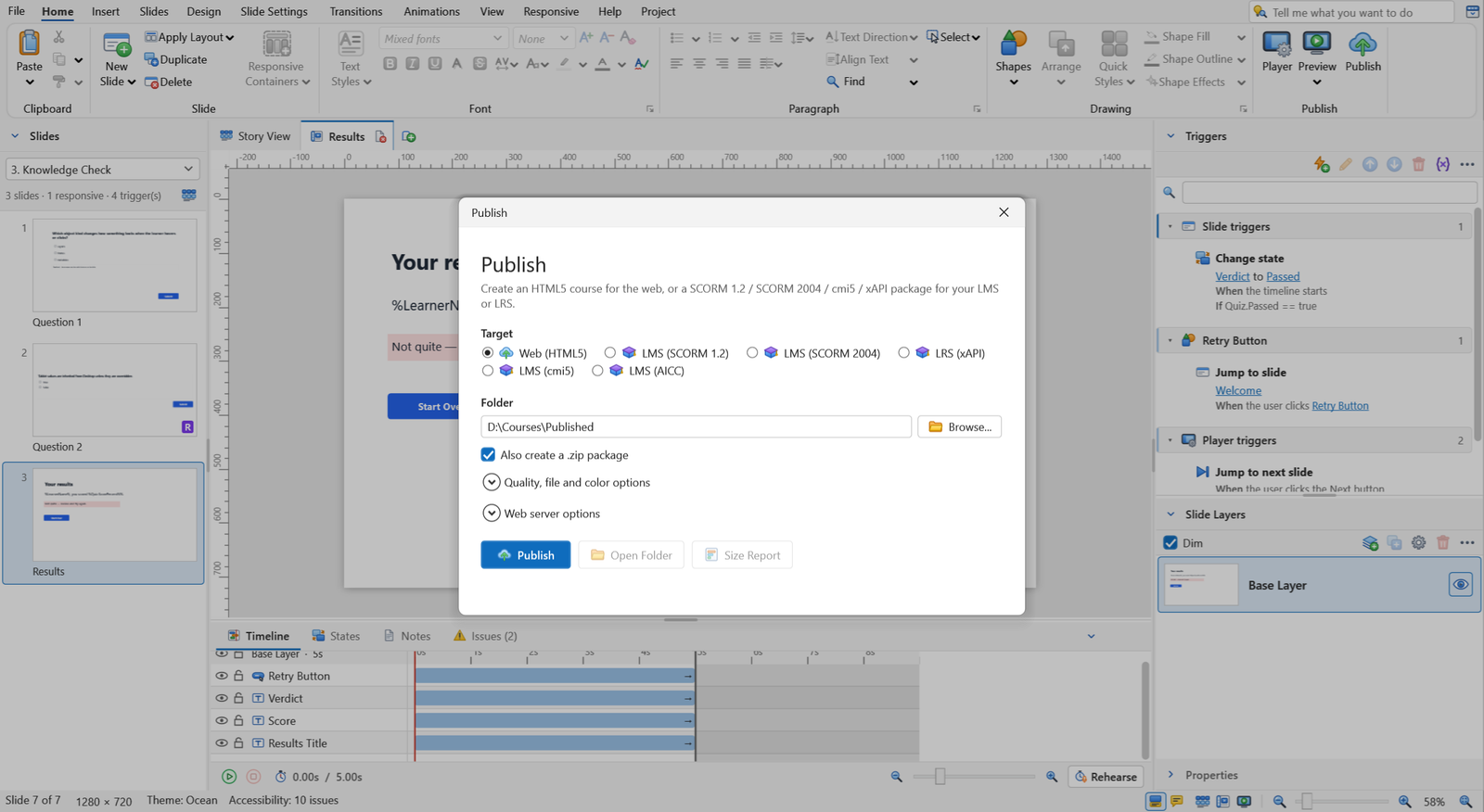
One dialog, six output targets. Set completion by slides viewed or quiz result, a pass mark and the status to report. Switch targets without changing your course. Without an LMS, the course keeps progress in the browser.

The Publish dialog with six output targets.
The Publish dialog.
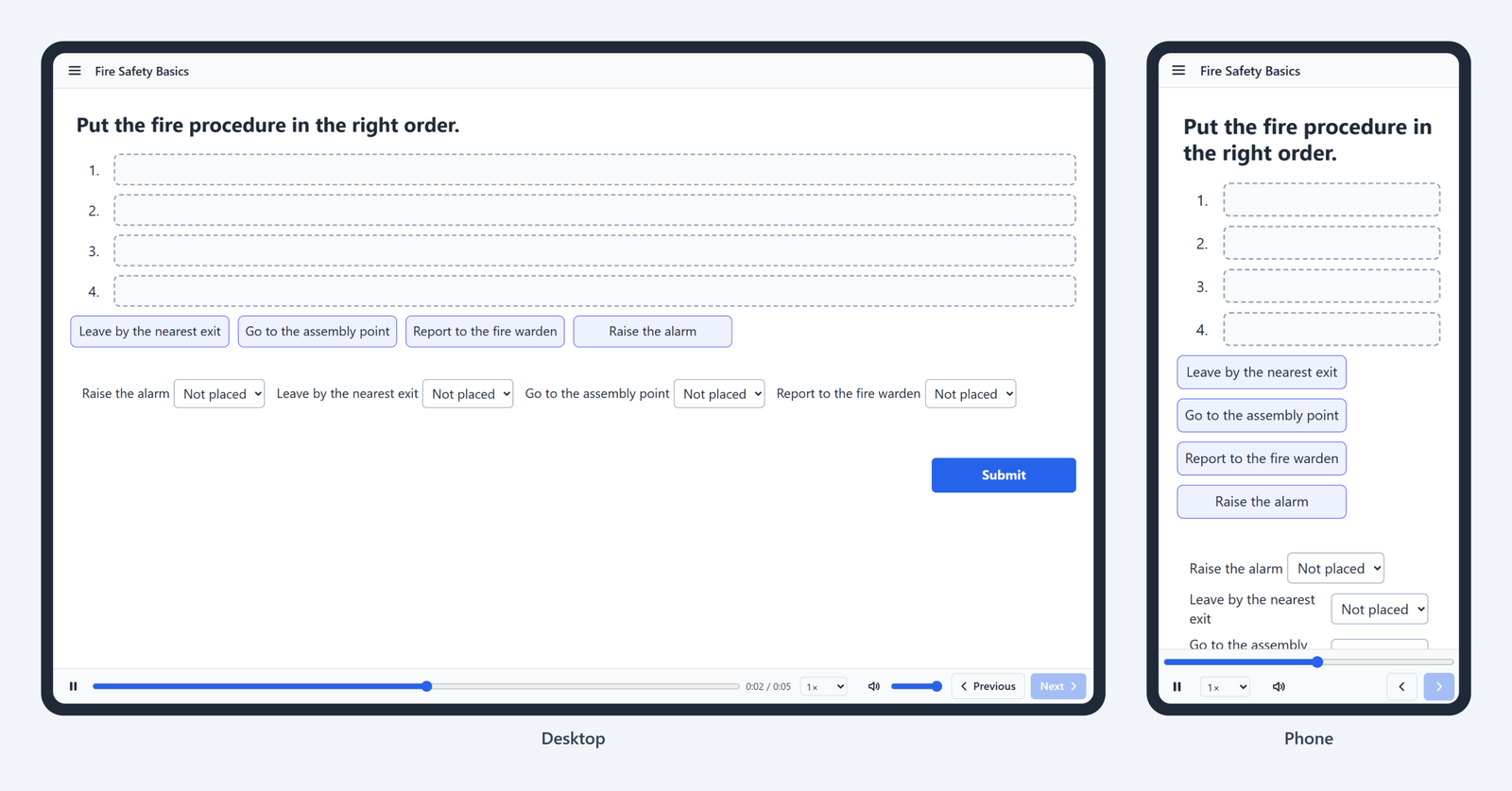
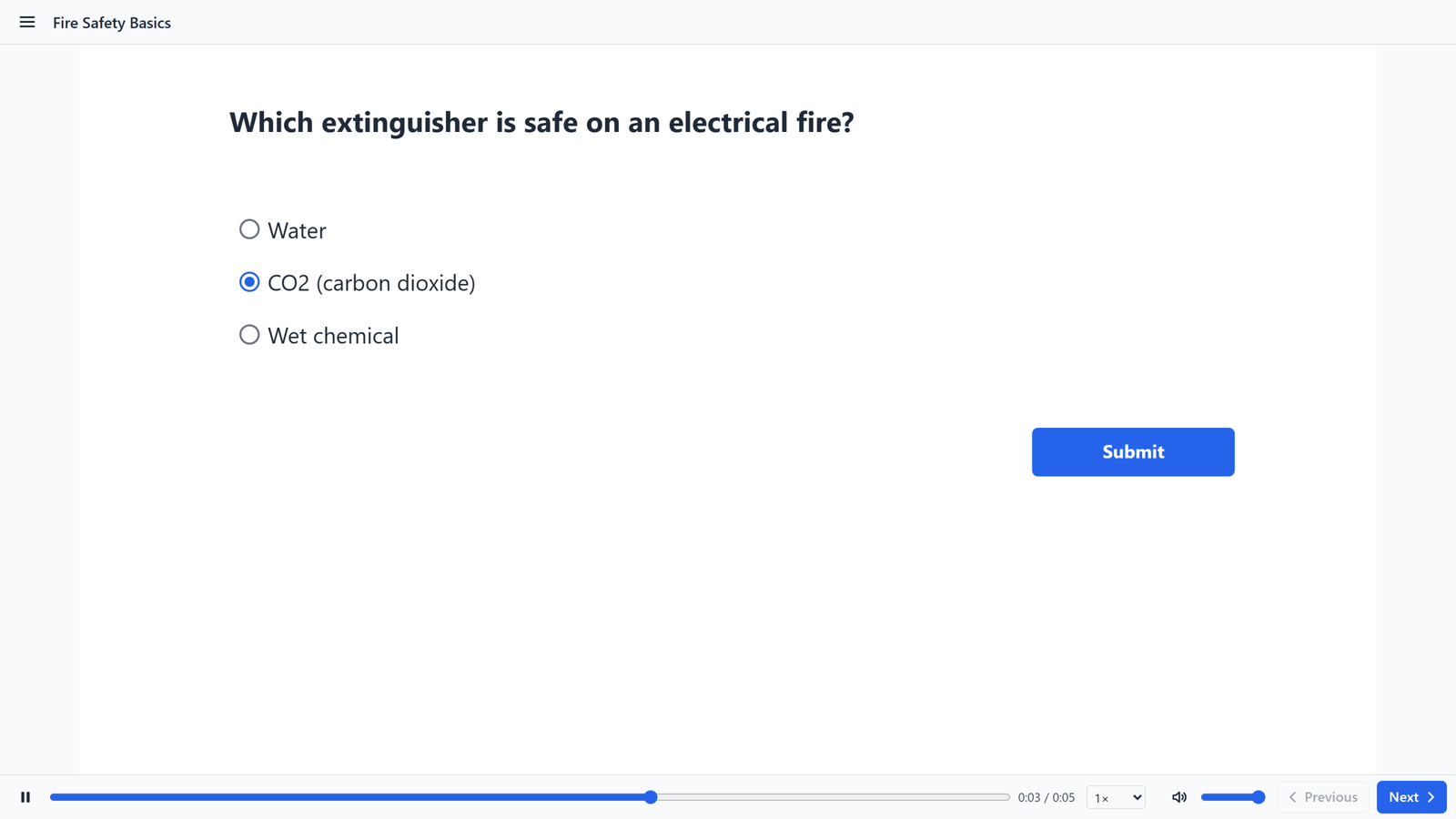
A published course on a desktop and a phone side by side.
A published course on a desktop and a phone.

A light player for learners

Plain HTML5, CSS and JavaScript. No plugins, no framework.

Built with open tools

Projects are saved as one portable .cfproj file. Preview uses WebView2, so you see what learners will see.

Designed and built from scratch, inspired by the workflow of established tools such as Storyline, Lectora, Captivate and iSpring.

Editor.NET 9, WPF, Fluent.Ribbon
PlayerES2020 JavaScript and CSS; three.js for 3D only
PreviewMicrosoft Edge WebView2
Tests6,311 automated test cases in two suites
OutputHTML5, SCORM 1.2, SCORM 2004, xAPI, cmi5, AICC

Help keep CourseForge free

CourseForge costs nothing to use. Sponsorship pays for development time, code signing, hosting and testing on real devices.

Questions and answers

Something else? Send a message or email nrzmalik@courseforge.site.

Yes. You can download and use it at no cost, for personal and commercial courses. CourseForge is not open source: all rights are reserved, so please do not copy, modify or redistribute the software.

Not yet. The source code will be published after the official release.

The final release is planned for January 9, 2027.

Windows 10 or 11 (64-bit). Microsoft Edge WebView2 is used for Preview and ships with Windows. The current version is the developer version. The final version will be available on 9 January 2027.

CourseForge publishes SCORM 1.2, SCORM 2004, xAPI, cmi5 and AICC packages, plus a plain web version.

Yes. They run in any modern browser. Responsive slides reflow to fit the screen.

Yes. You can import a .pptx file to responsive or fixed slides.

Official release on 9 January 2027

Until then, the developer version is available to download. Installing it helps me test CourseForge.

Support me!

Please send bugs and suggestions through the Contact page. I appreciate your support.

Official release on 9 January 2027

The source code is not public yet. It will be published after the official release. In the meantime, you can help test CourseForge by trying the developer version.

Support me!

Please send bugs and suggestions through the Contact page. I appreciate your support.